
Lead Alerts Agent
Catch every inbound lead instantly—validate, de-dupe, enrich, auto-assign owner, and alert in Slack with one-click actions.
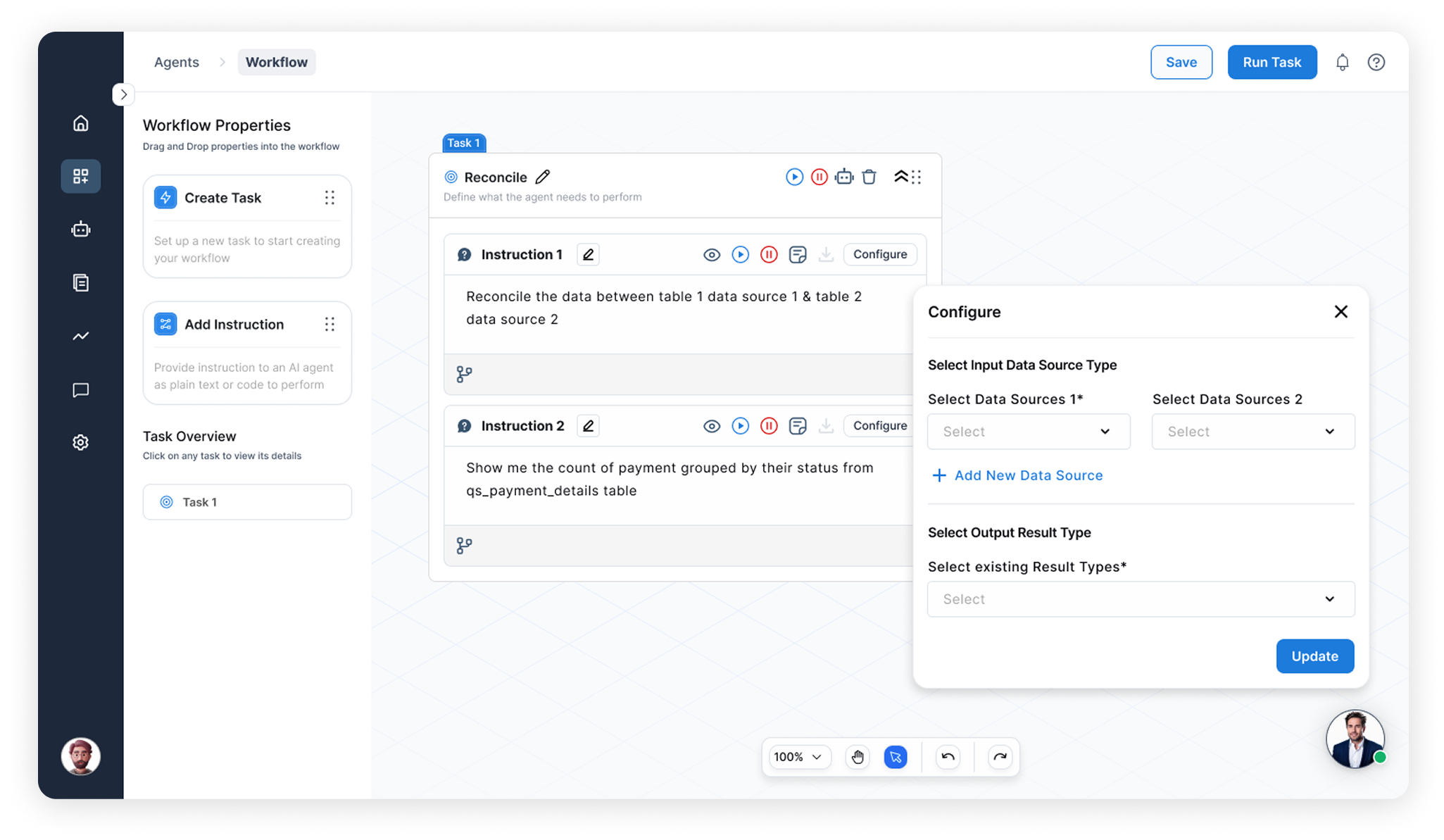

End-to-End Capabilities


Intake & Validate

Enrich & Prioritize

Route & Alert
Auto-assign the right owner, then send a contextual Slack card with one-click actions and SLA timers at scale.
Manual lead operations vs. Lead Alerts Agent

Ad-hoc checks
Manual lead operations
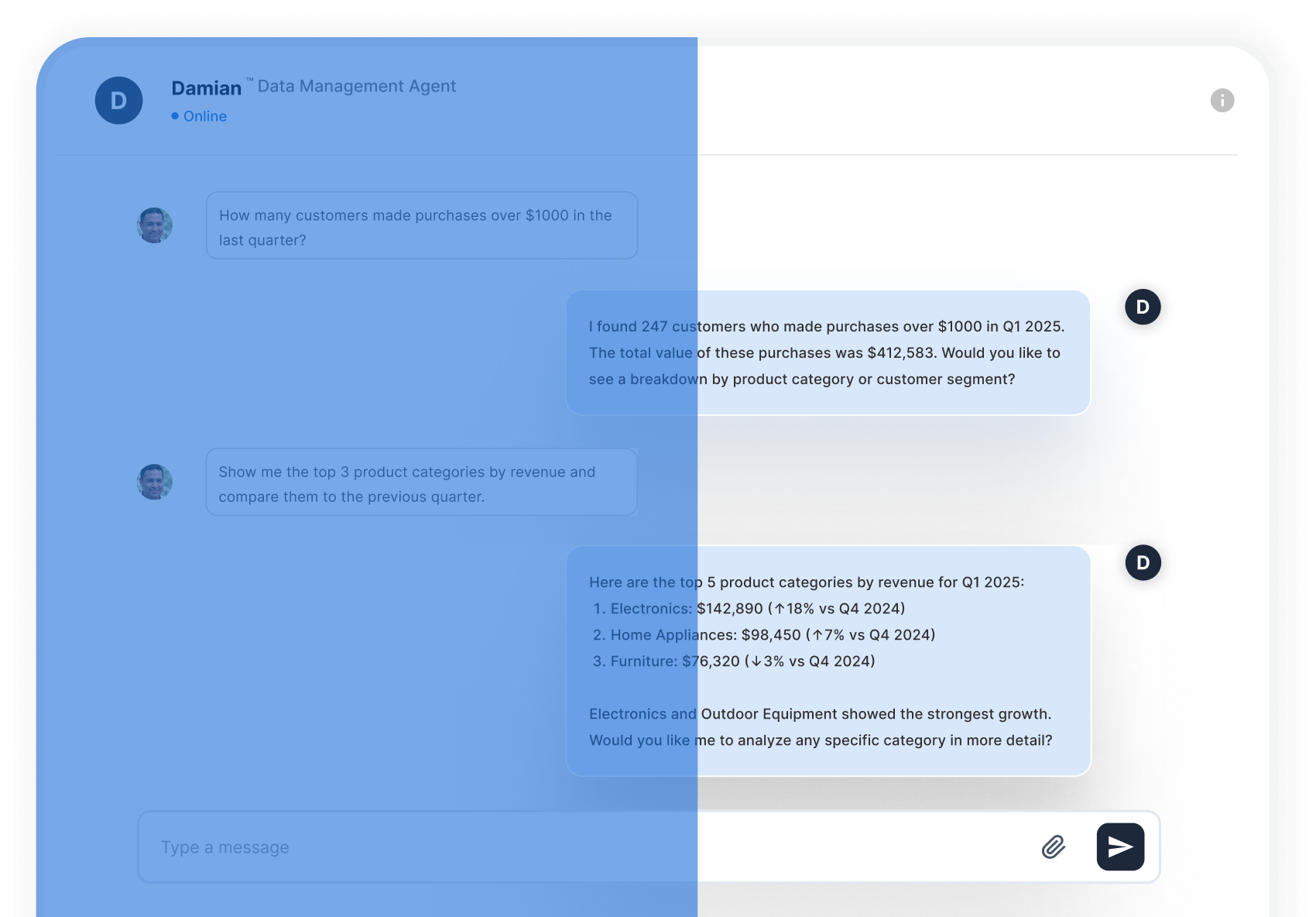

Real-time validate
Lead Alerts Agent
End-to-End Capabilities
Intake, Normalize & Validate Data
 Watch Sheets/webhooks for changes
- Validate email/domain for accuracy
- Debounce dupes (5–10s) during intake
01
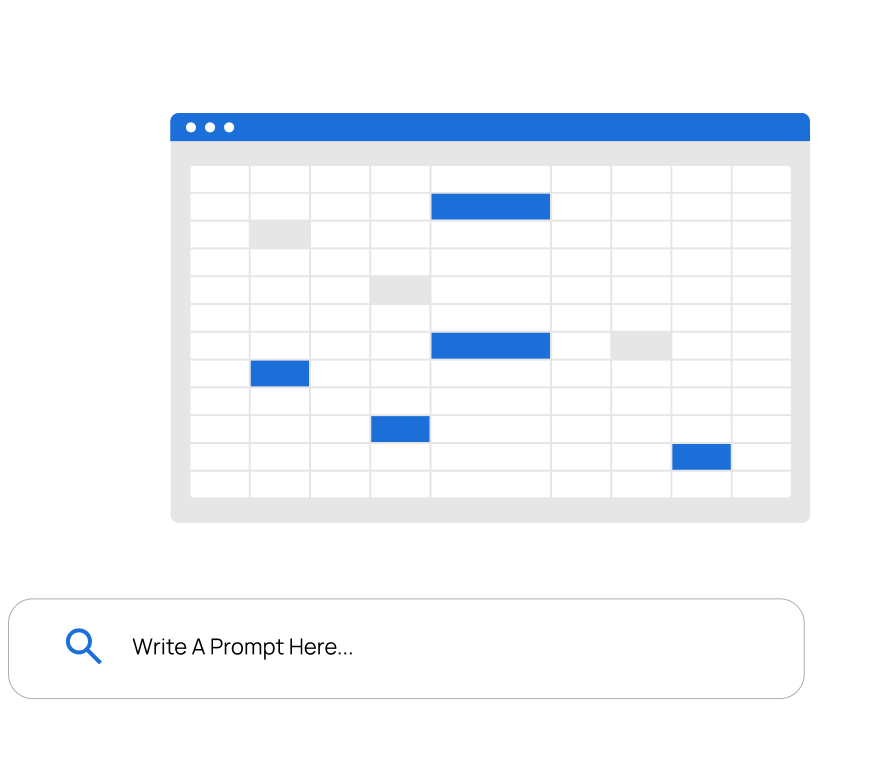

Context Enrichment & Lead Prioritization
- Firmographics + UTMs for context
- Score fit/intent/recency and priority
- 24h enrichment cache per domain
02
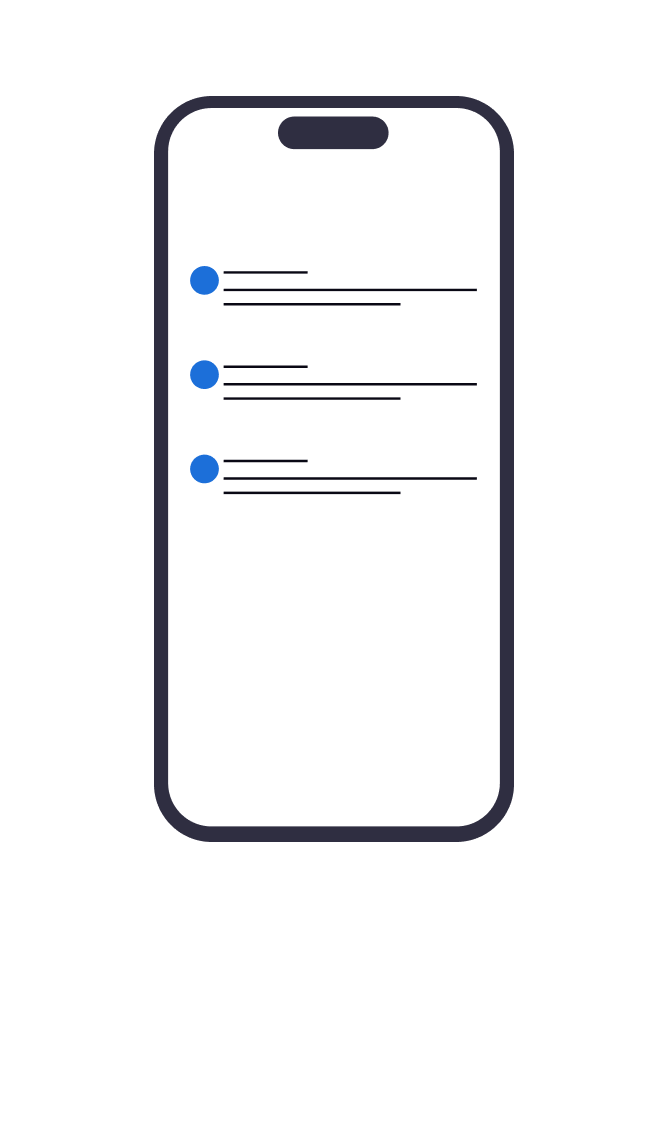
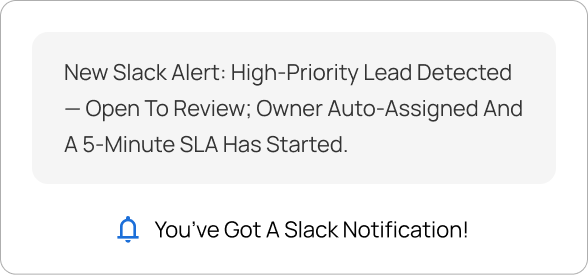
Route, Alert & Track

03

“From sheet to Slack, responses are instant — checks, enrichment, and auto-routing.”
Shen Pandi. CEO & Founder of Shark Stark
120+
Businesses accelerated
200+
3×
90%
Intelligent Agent Orchestration
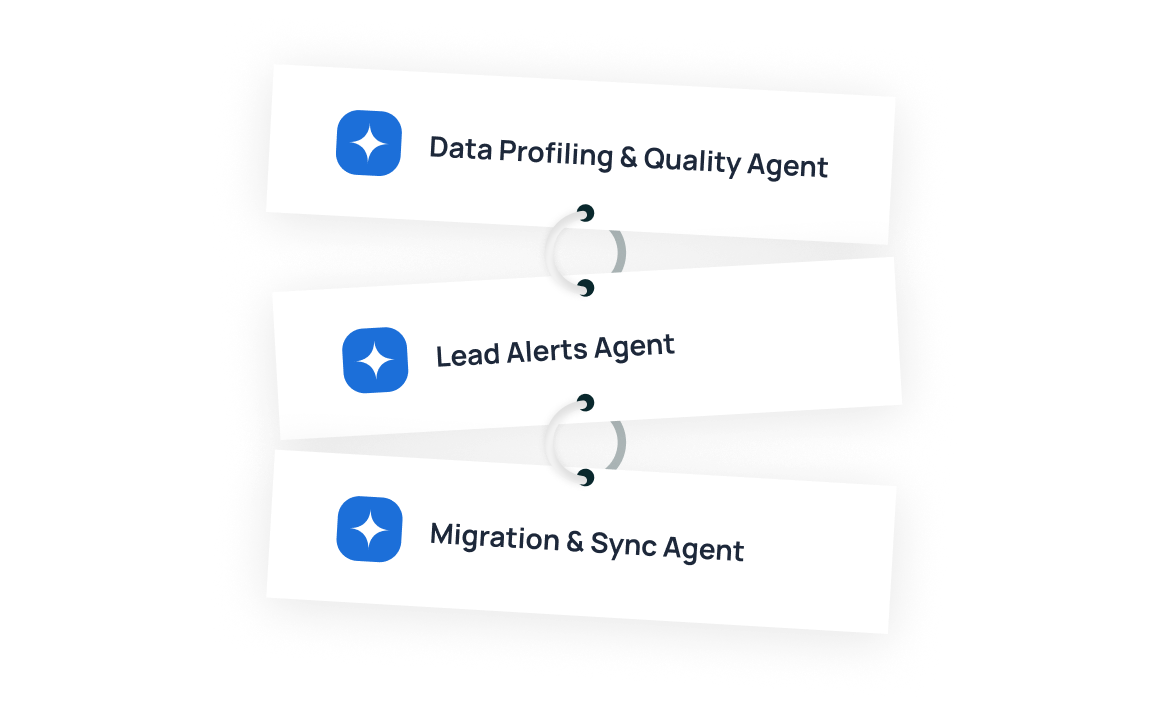
Agents Work Better Together
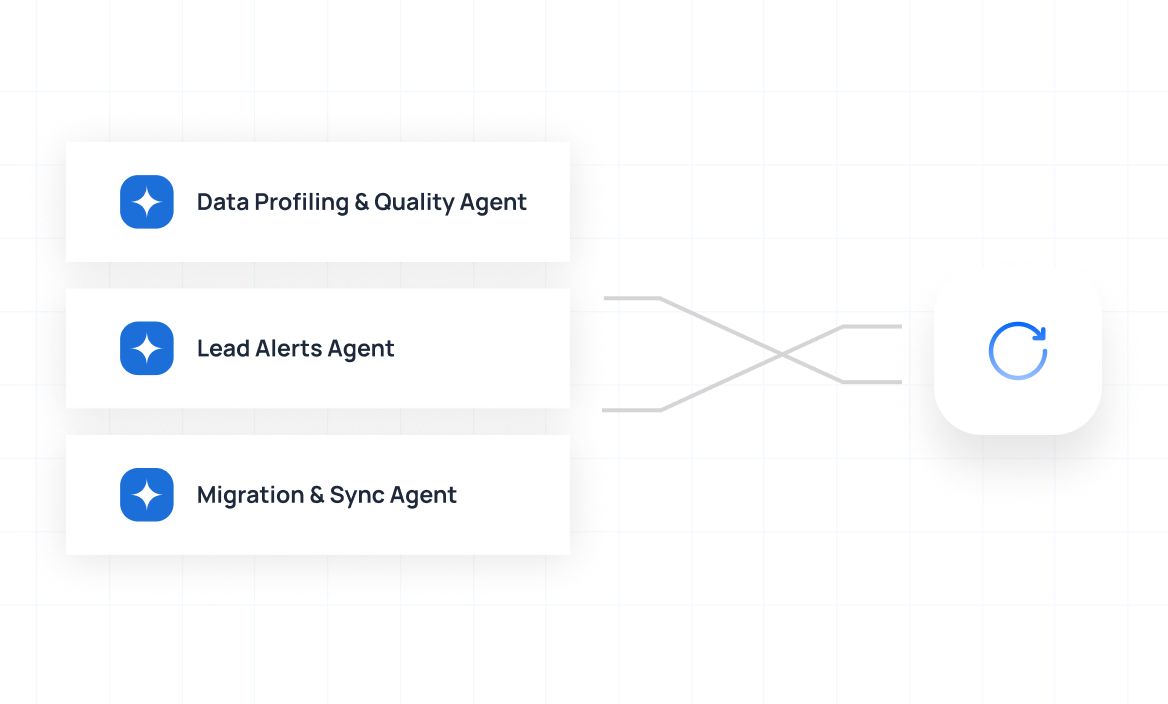
Agents Integration for Clean Data Migration
FAQs
What problem does this solve?
Your content goes here. Edit or remove this text inline or in the module Content settings. You can also style every aspect of this content in the module Design settings and even apply custom CSS to this text in the module Advanced settings.
How does it work?
Your content goes here. Edit or remove this text inline or in the module Content settings. You can also style every aspect of this content in the module Design settings and even apply custom CSS to this text in the module Advanced settings.
How does it work?
Your content goes here. Edit or remove this text inline or in the module Content settings. You can also style every aspect of this content in the module Design settings and even apply custom CSS to this text in the module Advanced settings.
Can we bring our own rules or models?
Your content goes here. Edit or remove this text inline or in the module Content settings. You can also style every aspect of this content in the module Design settings and even apply custom CSS to this text in the module Advanced settings.
What about security and privacy?
Your content goes here. Edit or remove this text inline or in the module Content settings. You can also style every aspect of this content in the module Design settings and even apply custom CSS to this text in the module Advanced settings.